반응형
반응형

행복도 선택입니다.
행복을 선택하면 행복해지고,
불행을 선택하면 불행해집니다.
선택은 지금 이 순간입니다.
이 순간부터 자신의 행복과
불행이 갈립니다.


- 고도원의 《당신이 행복하면 나도 행복하다》 중에서 -  


* 행복도 선택입니다.
행복을 선택했다면 한걸음 더 나가야 합니다.
나의 행복이 바이러스처럼 번져 다른 사람도 행복하게
하는 것입니다. 나의 행복이 먼저가 아니라 당신의
행복이 우선입니다. 결론은 분명합니다. 당신이
행복하면 나도 행복해집니다.
이타적 행복의 힘입니다.

반응형

'아침편지' 카테고리의 다른 글

왜 책을 읽어야 할까?  (0) 2024.08.28
빛과 어둠  (0) 2024.08.27
솔밭  (0) 2024.08.26
비교를 하면 할수록  (0) 2024.08.23
참나 리더십  (0) 2024.08.22
반응형

솔밭


솔바람이 분다


반응형

'아침편지' 카테고리의 다른 글

빛과 어둠  (0) 2024.08.27
당신이 행복하면 나도 행복하다  (0) 2024.08.26
비교를 하면 할수록  (0) 2024.08.23
참나 리더십  (0) 2024.08.22
노년의 '회복탄력성'  (0) 2024.08.21
반응형

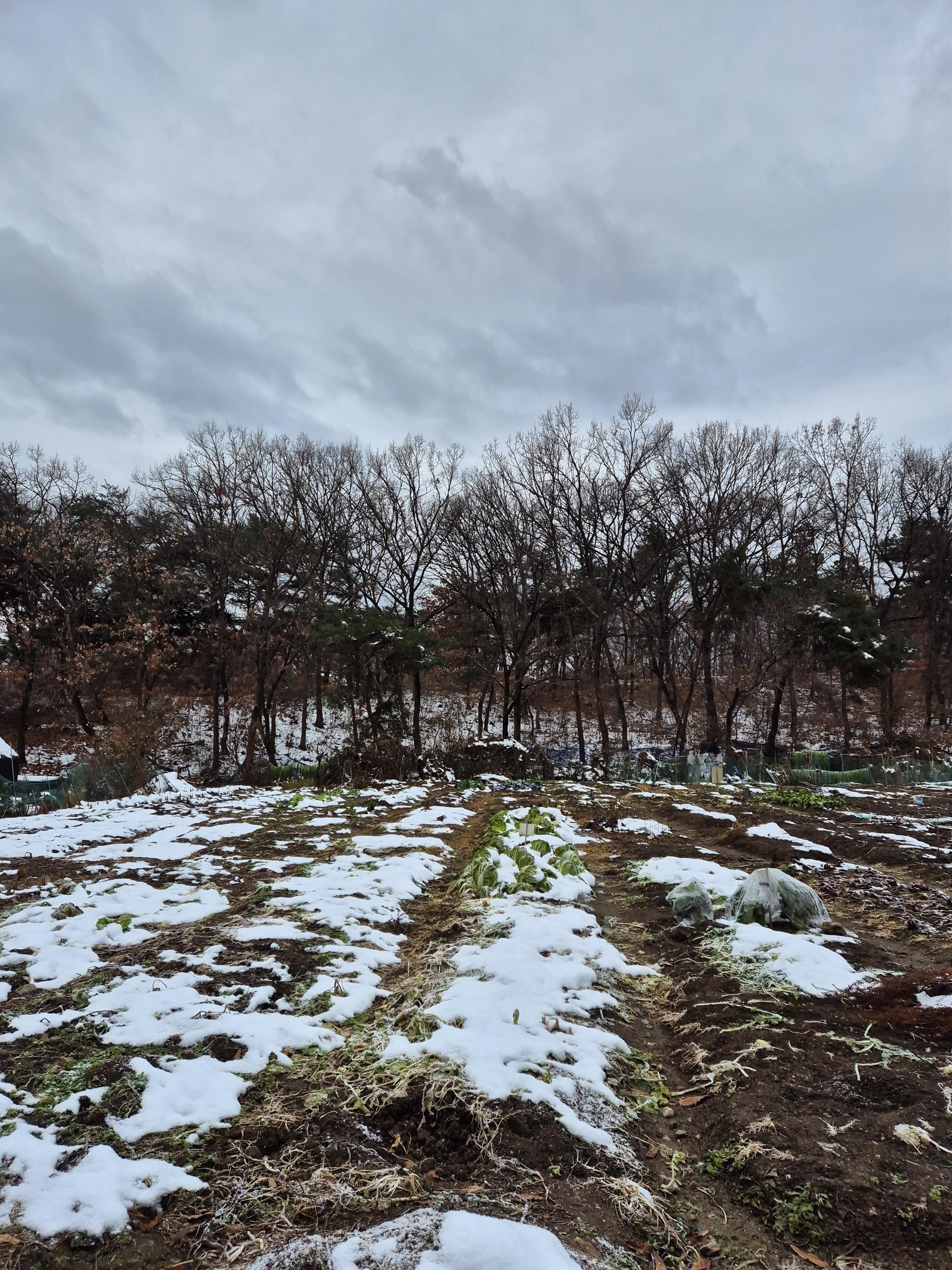
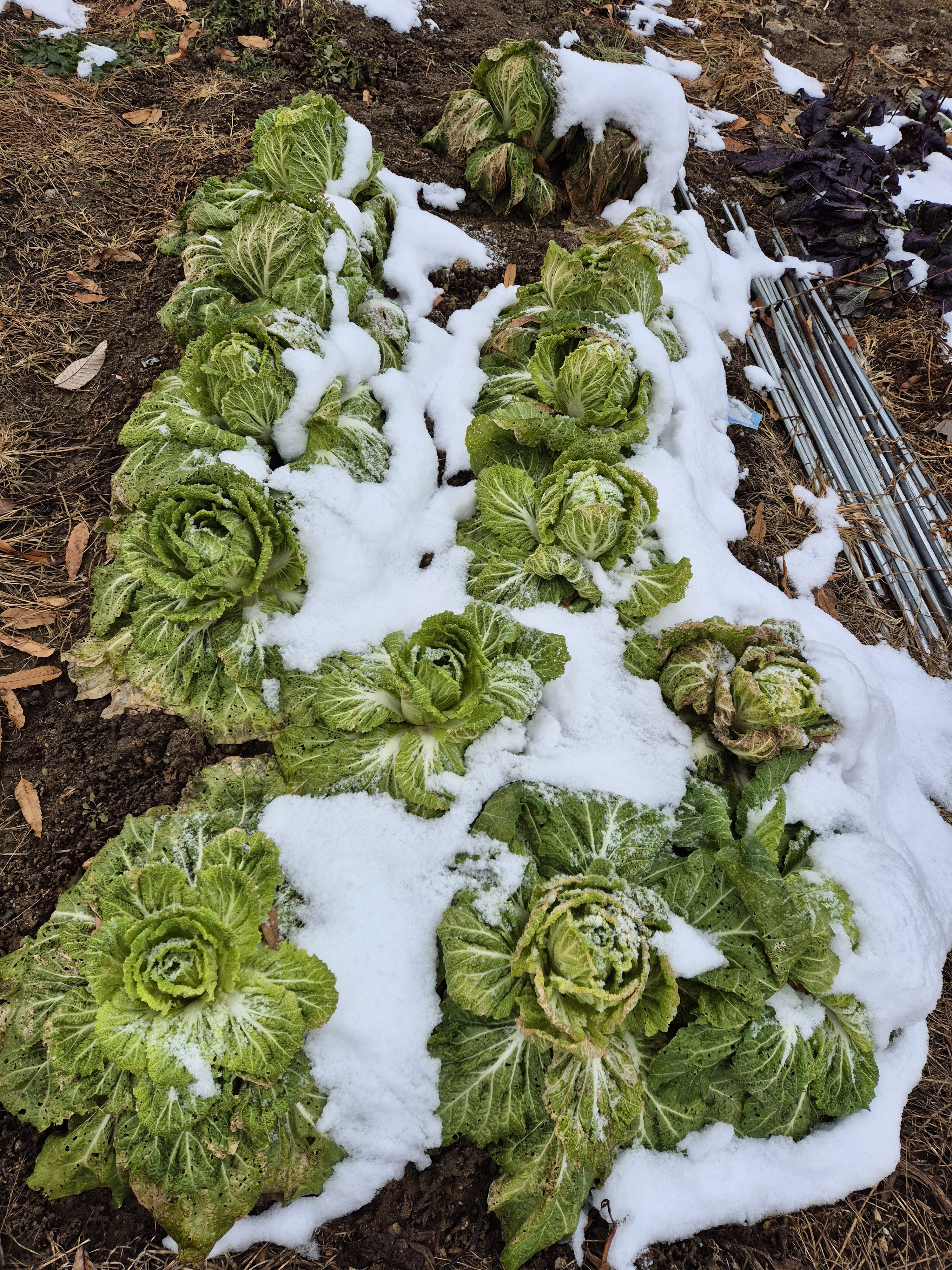
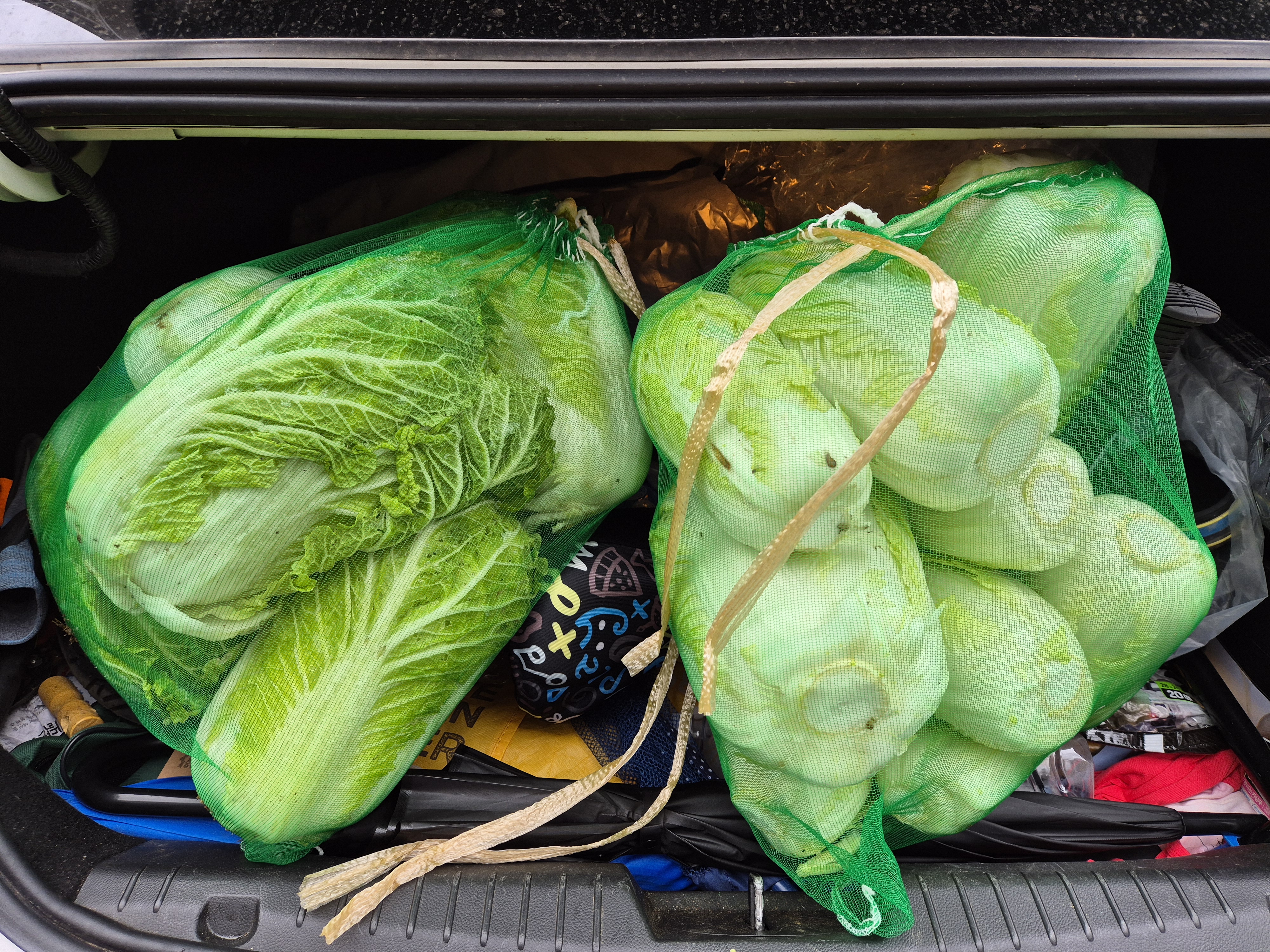
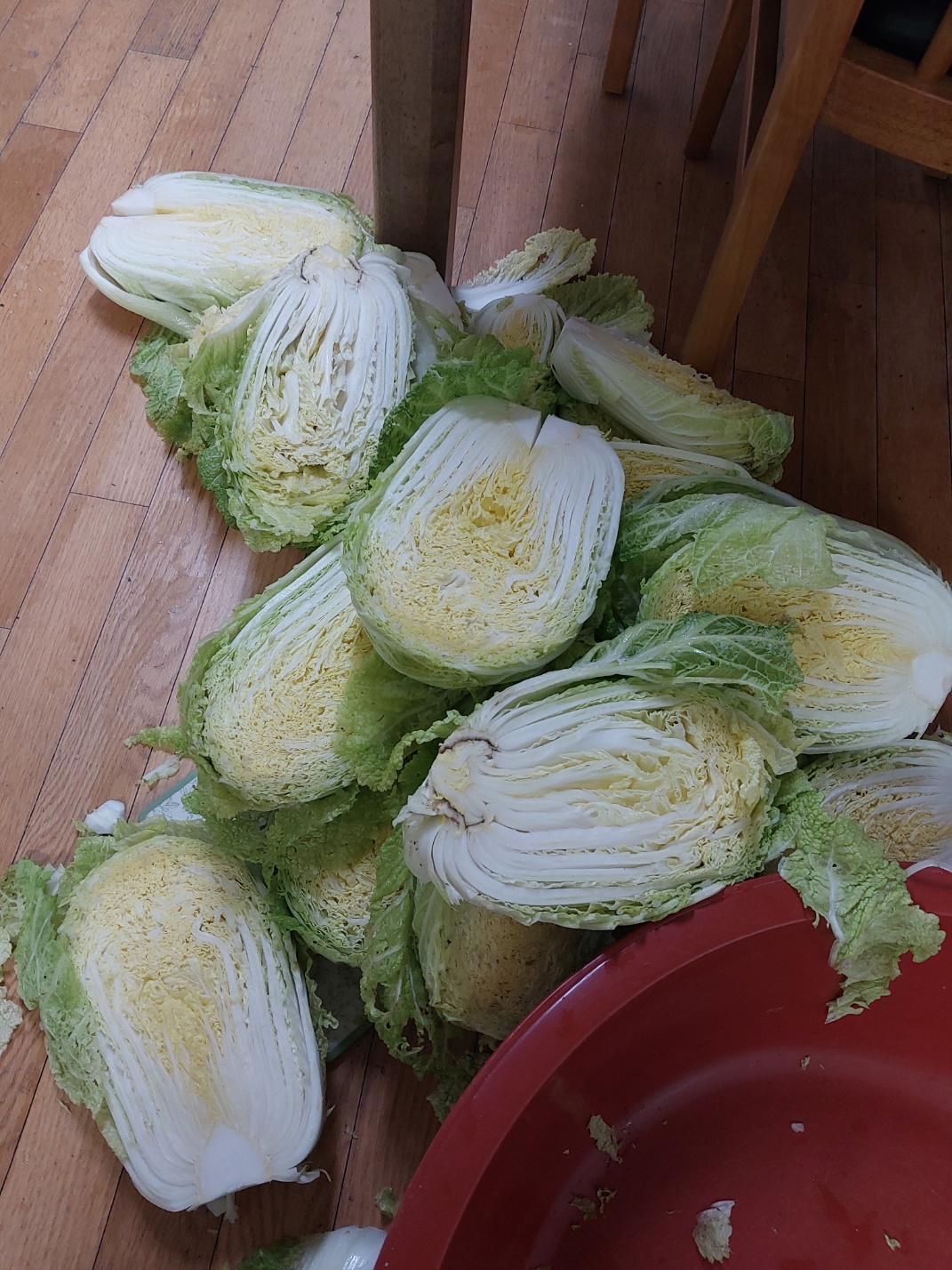
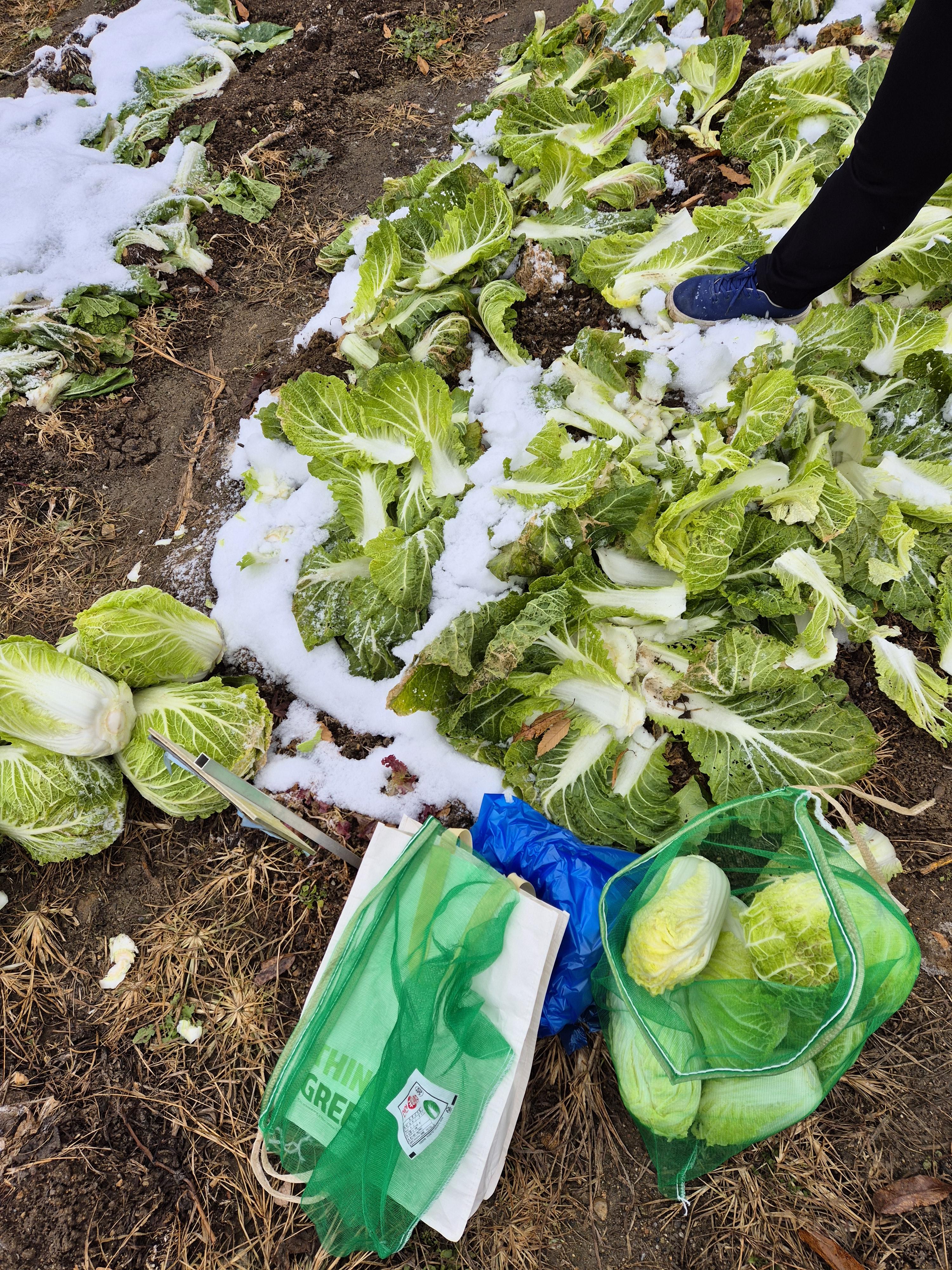
[텃밭] 2024-08-24, 밭 갈고 퇴비 주기

반응형
반응형

[python] Working With Mathematical Operations and Permutations. 수학적 연산과 순열


https://blog.stackademic.com/ultimate-python-cheat-sheet-practical-python-for-everyday-tasks-c267c1394ee8


Ultimate Python Cheat Sheet: Practical Python For Everyday Tasks

(My Other Ultimate Guides)

blog.stackademic.com


1. Basic Arithmetic Operations
    To perform basic arithmetic:

sum = 7 + 3  # Addition
difference = 7 - 3  # Subtraction
product = 7 * 3  # Multiplication
quotient = 7 / 3  # Division
remainder = 7 % 3  # Modulus (Remainder)
power = 7 ** 3  # Exponentiation


2. Working with Complex Numbers
    To work with complex numbers:

z = complex(2, 3)  # Create a complex number 2 + 3j
real_part = z.real  # Retrieve the real part
imaginary_part = z.imag  # Retrieve the imaginary part
conjugate = z.conjugate()  # Get the conjugate


3. Mathematical Functions
    Common math functions:

import math
root = math.sqrt(16)  # Square root
logarithm = math.log(100, 10)  # Logarithm base 10 of 100
sine = math.sin(math.pi / 2)  # Sine of 90 degrees (in radians)


4. Generating Permutations
    Easy way to generate permutations from a given set:

from itertools import permutations
paths = permutations([1, 2, 3])  # Generate all permutations of the list [1, 2, 3]
for path in paths:
    print(path)


5. Generating Combinations
    Easy way to generate combinations:

from itertools import combinations
combos = combinations([1, 2, 3, 4], 2)  # Generate all 2-element combinations
for combo in combos:
    print(combo)


6. Random Number Generation
    To get a random number:

import random
num = random.randint(1, 100)  # Generate a random integer between 1 and 100


7. Working with Fractions
    When you need to work with fractions:

from fractions import Fraction
f = Fraction(3, 4)  # Create a fraction 3/4
print(f + 1)  # Add a fraction and an integer


8. Statistical Functions
   To get Average, Median, and Standard Deviation:

import statistics
data = [1, 2, 3, 4, 5]
mean = statistics.mean(data)  # Average
median = statistics.median(data)  # Median
stdev = statistics.stdev(data)  # Standard Deviation


9. Trigonometric Functions
    To work with trigonometry:

import math
angle_rad = math.radians(60)  # Convert 60 degrees to radians
cosine = math.cos(angle_rad)  # Cosine of the angle


10. Handling Infinity and NaN
    To work with Infinity and NaN:

import math
infinity = math.inf  # Representing infinity
not_a_number = math.nan  # Representing a non-number (NaN)


반응형
반응형

[python] 폴더 안의 파일들 이름의 공백 또는 - 를 언더바로 변경하는 프로그램


공백( ) 또는 하이픈(-)을 언더바(_)로 변경하는 프로그램을 작성할 수 있습니다. 이 프로그램은 지정된 폴더 내 모든 파일의 이름을 확인하고, 공백 또는 하이픈이 포함된 경우 이를 언더바로 대체하여 이름을 변경합니다.


# 파이썬 컴파일 경로가 달라서 현재 폴더의 이미지를 호출하지 못할때 작업디렉토리를 변경한다. 
import os
from pathlib import Path
# src 상위 폴더를 실행폴더로 지정하려고 한다.
###real_path = Path(__file__).parent.parent
real_path = Path(__file__).parent
print(real_path)
#작업 디렉토리 변경
os.chdir(real_path) 


def replace_spaces_in_filenames(folder_path):
    # 폴더 내 모든 파일을 반복
    for filename in os.listdir(folder_path):
        # 파일의 전체 경로 생성
        old_file_path = os.path.join(folder_path, filename)

        # 파일 이름에 공백이 있는지, -도 _로 변경 확인
        if ' ' in filename or  '-' in filename:
            # 공백을 언더바로 대체
            new_filename = filename.replace(' ', '_').replace('-', '_')
            new_file_path = os.path.join(folder_path, new_filename)

            
            # 파일이 존재할경우 덮어쓸지, 빠져나갈지 
            if os.path.exists(new_file_path):
                overwrite = input(f"'{new_file_path}' already exists. Overwrite? (y/n): ")
                if overwrite.lower() == 'y':
                    os.remove(new_file_path)
                else:
                    print("Operation canceled.")
                    exit()
            # 파일 이름 변경
            os.rename(old_file_path, new_file_path)
            
            
            print(f"Renamed: '{filename}' -> '{new_filename}'")
        else:
            print(f"No change: '{filename}'")

# 사용 예시
folder_path = 'path_to_your_folder'  # 여기에 폴더 경로를 입력하세요 
replace_spaces_in_filenames(folder_path)

프로그램 설명

  1. os 모듈: 파일 경로와 관련된 작업을 수행하기 위해 os 모듈을 사용합니다.
  2. 폴더 내 파일 탐색:
    • os.listdir(folder_path)를 사용하여 지정된 폴더 내의 모든 파일 및 하위 디렉토리 이름을 가져옵니다.
    • for filename in os.listdir(folder_path)를 사용하여 각 파일을 순회합니다.
  3. 공백과 하이픈을 언더바로 변경:
    • if ' ' in filename or '-' in filename: 조건문을 사용하여 파일 이름에 공백 또는 하이픈이 포함되어 있는지 확인합니다.
    • filename.replace(' ', '_').replace('-', '_')를 사용하여 공백과 하이픈을 언더바로 대체합니다.
  4. 파일 이름 변경:
    • os.rename(old_file_path, new_file_path)를 사용하여 파일 이름을 변경합니다.
  5. 사용 방법:
    • folder_path에 파일 이름을 변경할 폴더의 경로를 입력합니다.
    • 프로그램을 실행하면 폴더 내 모든 파일의 이름에서 공백과 하이픈이 언더바로 변경됩니다.

사용 예시

폴더 경로를 지정하여 프로그램을 실행하면, 그 폴더 안의 모든 파일 이름에서 공백 또는 하이픈이 언더바로 변경됩니다. 예를 들어, path_to_your_folder가 C:/Users/YourName/Documents/TestFolder인 경우:

반응형
반응형

비교를 하면 할수록
기분만 나빠진다. 하지만 사실 우리는
다른 사람들 삶에서 무슨 일이 일어나는지 잘 모른다.
계속 남과 비교만 하면 본인의 꿈, 자율권, 행복에서
점점 멀어지게 된다. 남과 자신을 비교하다 보면
다른 사람 일에 끼어들게 되고 남의 일에
참견하다 보면 정작 중요한 자기 일은
나 몰라라 하게 된다. 부디 자기
일에만 신경 쓰면서
본인에게 집중하자.


- 트레이시 리트의 《당신은 꽤 괜찮은 사람입니다》 중에서 -


* 누구나 자신만의 향기가 있습니다.
심지어 일란성 쌍둥이도 취문(臭紋)이 다릅니다.
각자는 모두 특별하며 비교 대상이 결코 아닙니다.
그는 그의 우주에서, 나는 나의 우주에서 살아갈
뿐입니다. 그러기에 남과 비교하며 살 필요가
없습니다. 그 시간에 자신을 잘 가꾸어가면
됩니다. 어제의 나와 비교하며
더 정진하는 것입니다.

반응형

'아침편지' 카테고리의 다른 글

당신이 행복하면 나도 행복하다  (0) 2024.08.26
솔밭  (0) 2024.08.26
참나 리더십  (0) 2024.08.22
노년의 '회복탄력성'  (0) 2024.08.21
노화를 물리치려는 폭발적 노력  (0) 2024.08.20

+ Recent posts